
Computer & Laptop Troubleshooting
Guided checks for slow, frozen or unresponsive Windows computers and laptops when remote help is suitable.
Friendly remote assistance for everyday computer, software and setup problems — wherever you are. Supporting customers in the UK and internationally.
 UK & international support
OUR REMOTE SUPPORT SERVICES
Many common computer problems can be discussed and resolved without a visit. We’ll explain whether remote assistance is appropriate.
Guided checks for slow, frozen or unresponsive Windows computers and laptops when remote help is suitable.
Help with common software problems, application settings and everyday Windows questions.
Support with email configuration, sign-in problems and account settings where access can be verified.
Guidance with printer setup, drivers and peripheral connections where remote diagnosis is possible.
Assistance with system updates, everyday settings and practical routine maintenance.
Online support for home users and small businesses in the UK and abroad, subject to availability and device compatibility.
WHY CHOOSE CONNECTFIX
✓ Support from the comfort of your home or office
✓ Friendly explanations without technical jargon
✓ You approve any remote connection
✓ Help for homes and small businesses
✓ Honest advice if an in-person repair is needed
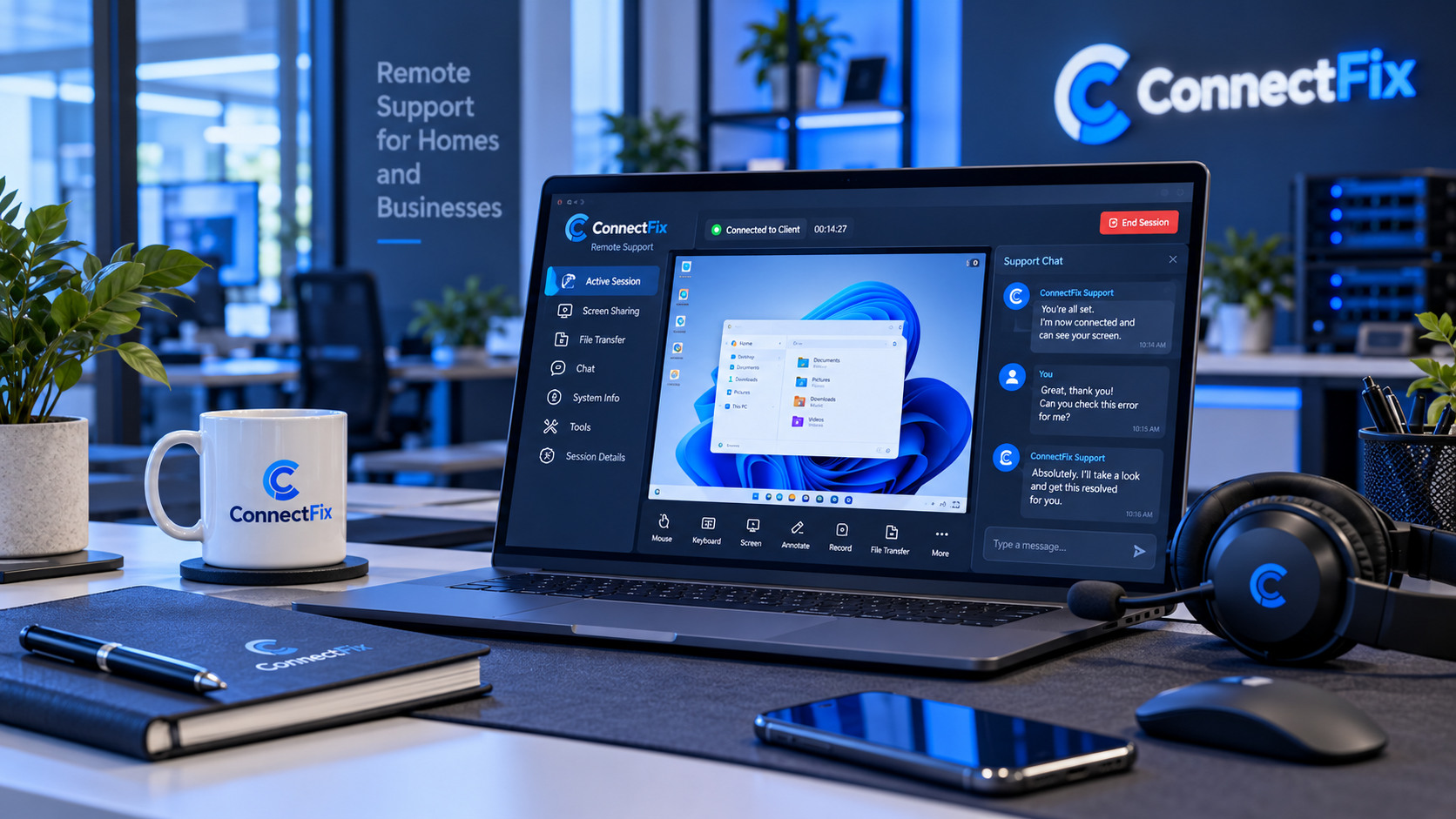
Remote assistance starts with your request, not an unexpected connection.
1
Explain the issue, your device and the best way to contact you.
2
We confirm whether remote support is suitable and agree on the next steps.
3
If needed, you approve a temporary remote session and remain in control.
4
We explain what was done and what, if anything, to do next.
Tell us what is happening and we’ll discuss a practical, secure way to help.